



Few things are more frustrating than walking over to your thermostat and finding it unresponsive, displaying the wrong temperature, or completely blank. A thermostat not working can leave your home too hot in summer or too cold in winter, and the cause is not always obvious.
The good news? Many thermostat problems have simple fixes you can handle yourself. This guide walks you through the most common reasons your thermostat is not working and the step-by-step troubleshooting process to get your HVAC system back on track.
Common Reasons Your Thermostat Isn’t Working
Before you call for service, it helps to understand the most frequent thermostat problems homeowners encounter. Here are the leading causes:
Dead or Low Batteries
This is the number one reason a thermostat stops responding. Most digital and programmable thermostats run on AA or AAA batteries. When those batteries die, the screen goes blank and your heating or cooling system will not turn on. If your thermostat has a low battery indicator, replace the batteries as soon as it appears.
Tripped Circuit Breaker
Your thermostat may be wired to your home’s electrical panel. A tripped breaker cuts power to both the thermostat and your HVAC equipment. Check your electrical panel for any breakers labeled “HVAC,” “furnace,” or “air handler” and reset them if they are in the tripped position. If the issue persists, consider scheduling electrical services with a licensed professional.
Blown Fuse
Many HVAC systems have a small fuse (typically 3 to 5 amps) on the control board. A power surge or short circuit can blow this fuse, cutting power to the thermostat. Replacing the fuse is straightforward, but if it blows repeatedly, you likely have an underlying wiring issue that needs professional attention.
Dirty Sensors or Contacts
Dust and debris can accumulate inside your thermostat over time, especially on older mechanical models with exposed contacts. Dirty sensors give inaccurate temperature readings, causing your system to cycle incorrectly or not respond at all. Gently cleaning the interior with compressed air can restore proper function.
Wiring Issues
Loose, corroded, or damaged wires between the thermostat and your HVAC system can cause intermittent operation or a complete loss of communication. If you have recently had work done on your walls or attic, wiring may have been disturbed. Wiring problems are best diagnosed by a licensed HVAC technician.
Misconfigured Settings
Sometimes the issue is simpler than you think. A thermostat set to “cool” when you need heat (or vice versa), a fan switch left on “on” instead of “auto,” or an accidentally activated hold or vacation mode can all make it seem like your thermostat is not working properly.
Compatibility Issues
Not every thermostat works with every HVAC system. If you recently installed a new smart thermostat or upgraded your heating and cooling equipment, compatibility issues can cause erratic behavior, blank screens, or system short cycling. Always verify compatibility before installation.
Step-by-Step Troubleshooting
Work through these steps in order. Each one rules out a common cause and brings you closer to identifying the problem.
Step 1: Check the Display
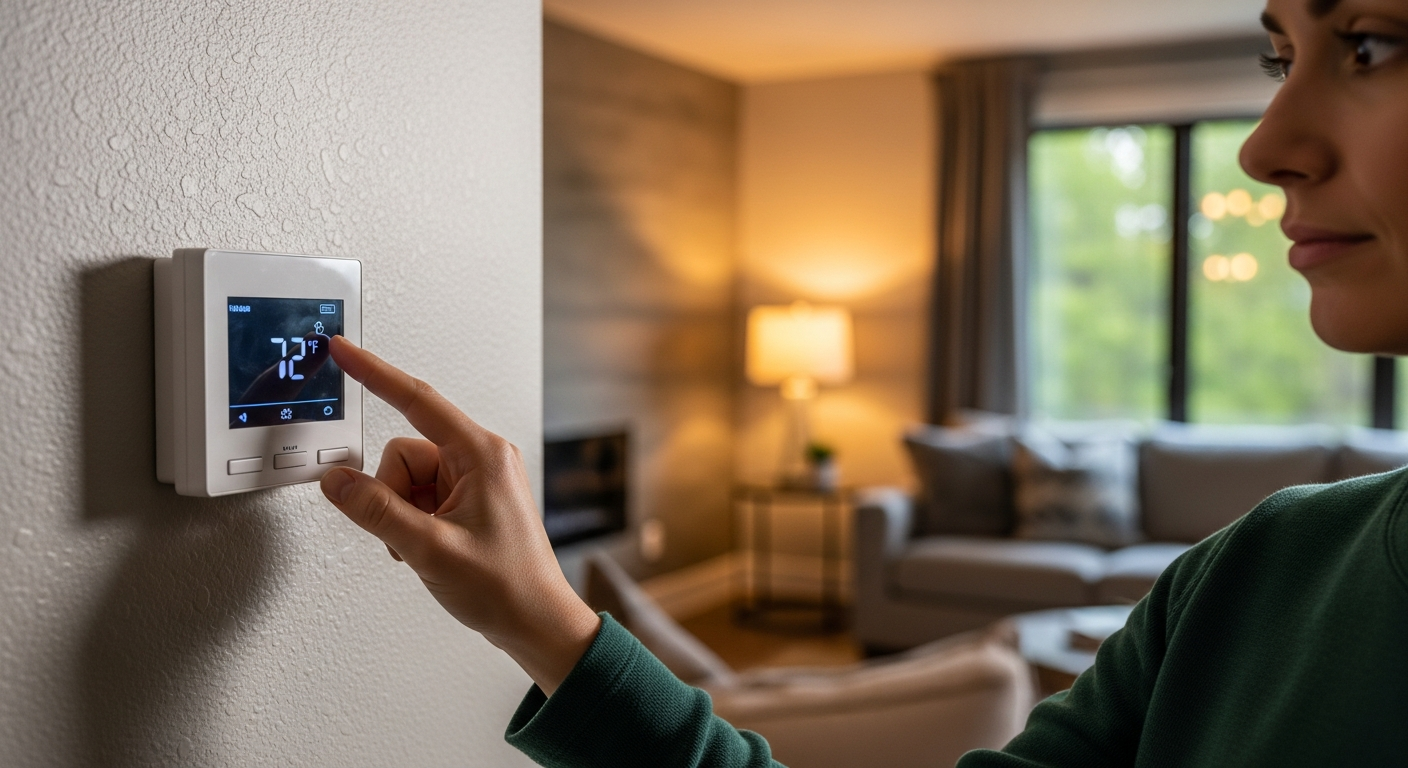
Is the screen completely blank, or does it show information? A blank screen usually points to a power issue (dead batteries, tripped breaker, or blown fuse). A lit screen with incorrect behavior suggests a settings or sensor problem.
Step 2: Replace the Batteries
Remove the thermostat from its wall plate and replace the batteries with fresh ones. Even if the display was working, low batteries can cause erratic behavior. Wait 30 seconds after inserting new batteries before reattaching the unit.
Step 3: Check the Circuit Breaker
Go to your home’s electrical panel and look for the HVAC breaker. If it is tripped (in the middle position), flip it fully off and then back on. If it trips again immediately, do not keep resetting it. Call a professional.
Step 4: Inspect the Thermostat Settings
Verify the thermostat is set to the correct mode (heat or cool), the temperature setpoint is appropriate, and the fan is set to “auto.” Check for any active hold, schedule override, or vacation mode that might be overriding your preferred settings.
Step 5: Clean the Interior
Remove the thermostat cover and use a soft brush or compressed air to gently remove dust from the sensors, contacts, and circuit board. Be careful not to dislodge any wires.
Step 6: Check the Wiring
With the power off, remove the thermostat from the wall plate and inspect the wire connections. Look for loose terminals, corroded wires, or any wires that have come disconnected. If everything looks secure but the problem persists, the issue may be further down the line.
Step 7: Test with a Different Thermostat
If you have access to a basic thermostat, temporarily swap it in. If the replacement works, your original thermostat is likely faulty. If the replacement also fails, the problem is in your HVAC system or wiring, not the thermostat itself.
When Your Thermostat Has No Power
A completely blank thermostat screen can be alarming, but it does not always mean something expensive is broken. Here is how to diagnose no power to thermostat situations:
- Battery-powered thermostats: Replace the batteries first. This solves the problem about 60% of the time.
- Hardwired thermostats: Check the circuit breaker, the HVAC system’s fuse, and the transformer (usually a small box near your furnace or air handler). A failed transformer means no 24V power reaches the thermostat.
- Smart thermostats: Many smart models require a C-wire (common wire) for continuous power. If the C-wire is missing or improperly connected, the thermostat may lose power intermittently or fail to turn on at all.
If you have checked all of these and still have no power, the problem could be a damaged wire inside the wall, a failed control board on your HVAC unit, or a short circuit somewhere in the low-voltage system. These issues require professional diagnosis.
A blank screen can sometimes signal a bigger problem with your HVAC system rather than the thermostat alone. If your AC is not turning on or your HVAC system needs maintenance, the thermostat may be losing power because the system itself has shut down due to a safety fault.
Signs You Need a New Thermostat
Sometimes troubleshooting reveals that the thermostat itself has reached the end of its useful life. Watch for these warning signs:
- Frequent temperature swings: Your home never reaches or maintains the set temperature, cycling on and off unpredictably.
- Unresponsive controls: Buttons or touchscreen do not register inputs, or the display freezes regularly.
- Age: Thermostats older than 10 years are more likely to develop sensor drift, contact corrosion, and circuit board failures.
- Short cycling: The system turns on and off in rapid succession, which wastes energy and stresses your equipment. This can also be related to your AC not blowing cold air or other HVAC performance issues.
- Inconsistent readings: The thermostat displays a temperature that does not match what you feel in the room, even after cleaning the sensors.
- No Wi-Fi or smart features: While not a malfunction, upgrading from an older model to a programmable or smart thermostat can improve comfort and reduce energy bills significantly.
If your thermostat is experiencing multiple issues from this list, replacement is usually more cost-effective than repeated repairs.
When to Call an HVAC Professional
DIY troubleshooting handles many common thermostat problems, but some situations call for a licensed technician:
- Repeated breaker trips or blown fuses: This indicates a short circuit or ground fault in your HVAC wiring that can be a fire hazard.
- Burning smell or visible damage: Never ignore signs of electrical damage. Turn off the system and call for service immediately.
- Wiring confusion: If you are not comfortable working with low-voltage wiring, leave it to a professional. Incorrect wiring can damage your thermostat and your HVAC equipment.
- System does not respond to a known-good thermostat: If swapping thermostats did not fix the issue, the problem is in the HVAC system itself.
- Refrigerant or airflow issues: If your thermostat seems fine but your system is not heating or cooling properly, you may be dealing with AC freezing up or other mechanical issues that need expert diagnosis.
At 911 Drain Lines and Plumbing, our licensed HVAC technicians diagnose and repair thermostat and heating/cooling problems for homeowners across Orange County and the Inland Empire. We offer 24/7 emergency service, so you are never stuck without climate control for long.
Is your thermostat not working and you have exhausted the DIY fixes? Contact 911 Drain Lines and Plumbing for fast, professional HVAC service.
Frequently Asked Questions
Why is my thermostat screen blank?
A blank thermostat screen is usually caused by dead batteries, a tripped circuit breaker, or a blown fuse in your HVAC system. Start by replacing the batteries and checking your electrical panel.
Can a bad thermostat cause my AC not to turn on?
Yes. The thermostat sends the signal that tells your AC to start. If the thermostat is faulty or has lost power, it cannot communicate with your air conditioning system, and the unit will not turn on.
How do I know if my thermostat or my HVAC system is the problem?
Try replacing your thermostat with a basic model. If the system works with the replacement, the original thermostat is the issue. If it still does not work, the problem is in the HVAC equipment or wiring.
How often should I replace my thermostat?
Most thermostats last 10 to 15 years. If yours is older than 10 years and showing signs of inaccuracy, unresponsiveness, or frequent glitches, it is time to consider a replacement.
Do I need a C-wire for a smart thermostat?
Many smart thermostats require a C-wire (common wire) for continuous 24V power. Without it, the thermostat may lose power intermittently or fail to operate. Check your existing wiring before purchasing a smart thermostat, or ask your HVAC technician about adding a C-wire.
Is it safe to troubleshoot thermostat wiring myself?
Basic checks like verifying connections are generally safe if you turn off the power first. However, thermostat wiring carries 24V from a transformer, and incorrect connections can damage equipment. If you are unsure, call a licensed HVAC technician.